 Open app
Present your event clearly
Prepare proposals, understand your allowance and share the right output with your client.
Projects and proposals
A project is your working event layout. A shared 3D project lets someone review the space through the available sharing options. A generated sales presentation brings the event layout and details together as a proposal.
These are different outputs. Review the content and intended audience before sending a link or file.
Prepare a sales presentation
- 1. Open the project you want to present.
- 2. Review the room configuration, furniture and event details.
- 3. Check package inclusions, quantities and pricing.
- 4. Select Generate Sales Presentation.
- 5. Review the generated proposal before sharing it.
Confirm venue-specific details with your team. Generating a presentation does not by itself confirm a booking.
How allowances are counted
A proposal counts when a new proposal instance is successfully generated.
- New proposal generated successfully: one allowance.
- Edits to an existing proposal: no additional allowance.
- Failed generation: no allowance.
- Duplication or regeneration: one allowance when it creates a new proposal instance.
Check the result of an earlier attempt before generating again, especially if the first attempt appears to have stalled.
Monthly resets
Your monthly proposal allowance resets on your subscription-cycle date at 00:00 UTC. Unused allowances do not roll over.
Your plan determines the number of new generated proposals included. Review the quantity and scope shown in an add-on order before purchasing additional capacity.
Reuse a template
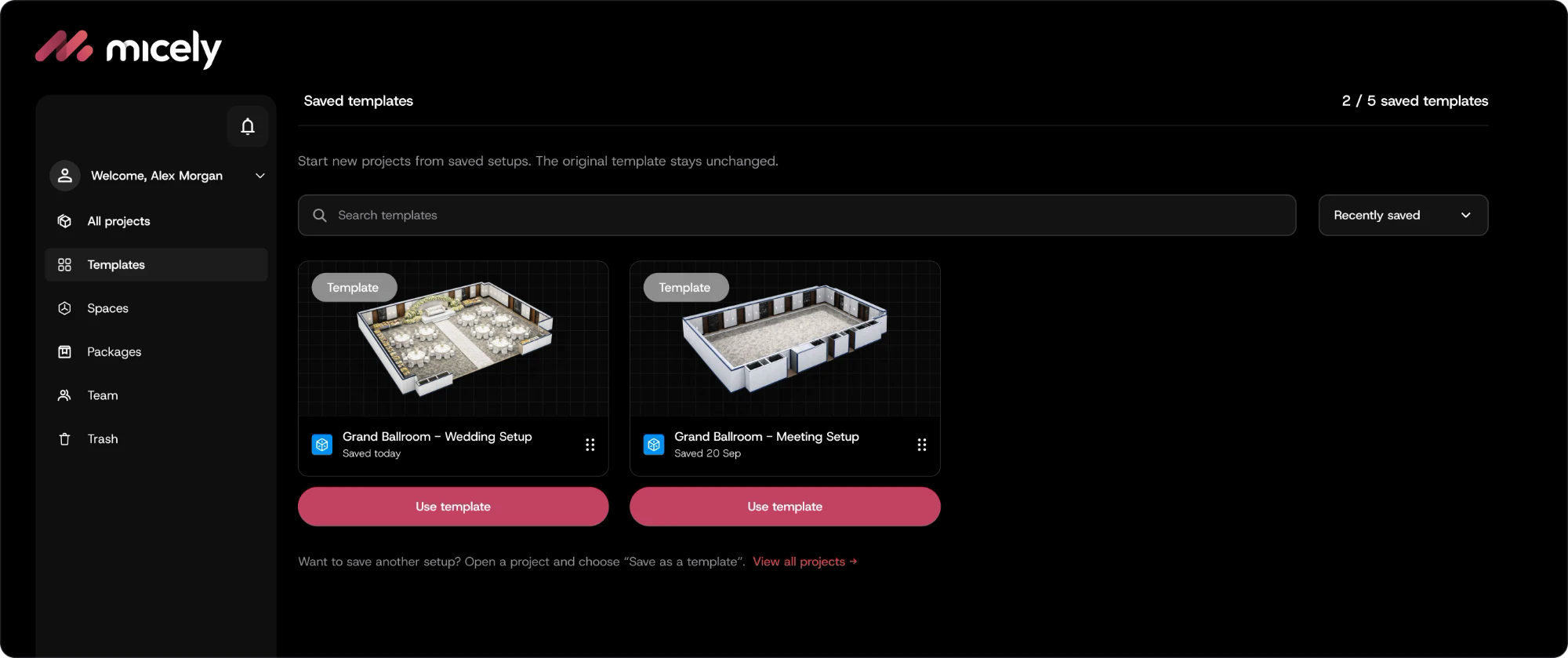
Save a frequently used arrangement as a template, then select Use template when starting a new event. The saved template stays unchanged.
Review the new project’s space, guest count, furniture, package details and pricing before generating another proposal.
Exports and subscription exit
Authorised users can obtain customer-facing PDFs and related outputs during the subscription. Customers have 30 days after exit to obtain those outputs.
Underlying 3D models, rendering assets, source files and software assets are excluded. Check the available export options and any applicable arrangements before your subscription ends.